Watchman Radar Technical Support
Installation Manuals and Instructions, FAQs and Advice
Download and read the latest installation manuals and instructions for the Watchman Sonic Advanced tank monitoring system and check out our FAQ’s.
The Step-by-Step Guide to Installing the Kingspan Watchman Radar
Watch the step-by-step guide on how to easily and safely install the Kingspan Watchman Radar, the precision of radar-based technology, after you have purchased our product.
The tank monitoring system monitors how much oil there is left in your oil tank and sets off an alert in your home in the event of a sudden drop in oil levels, ensuring you have full control of you fuel.
Watchman® Radar
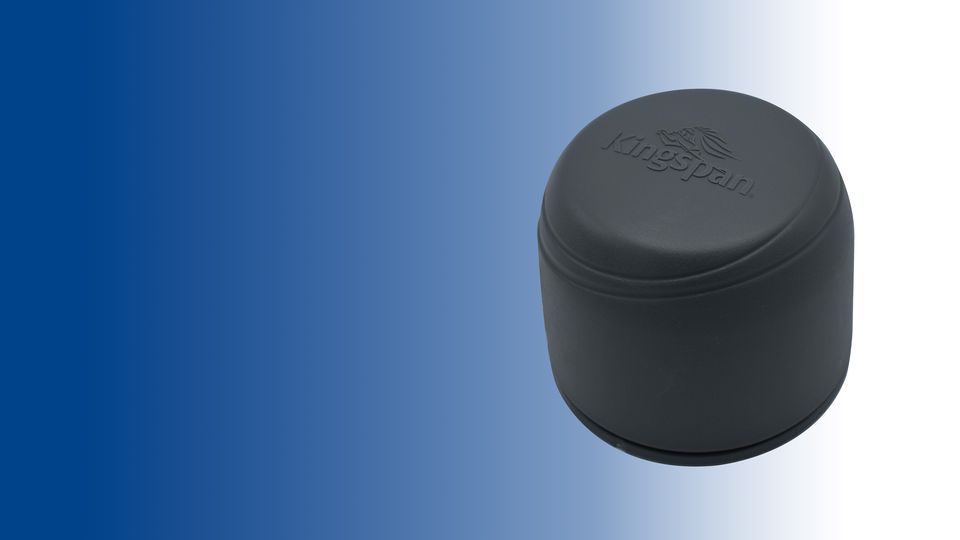
The Watchman Radar is the precision of radar-based technology. With higher accuracy and cloud-based technology this device monitors how much oil there is left in your oil tank and sets off an alert in your home in the event of a sudden drop in oil levels. This helps you have full control of your fuel.
Frequently Asked Questions
Where can i view my tank levels for the Watchman Radar?
You can only view your tank levels on ConnectSensor.com or on your smartphone or tablet using the KNECT Pro App. You can download it via App Store (Apple) or Google Play Store (Android).
What happens if my mobile device has no signal to complete the installation?
If you do not have a network coverage or wifi on your mobile device that you are using to complete the installation, there is a pending registration feature in the Watchman Toolbox app. It will let you complete the registration when network coverage is restored.
My tank is displaying the wrong levels after installation, what should I do?
Please verify that the tank details entered on the Watchman Toolbox app are accurate. The accuracy of the readings depends on the tank details provided such as strapping table, dimensions and brimful capacity.
How do I wake the Watchman Radar unit for pairing with the Watchman Toolbox app?
Activate unit with magnet, placing magnet on the activation spot. Hold until first sound and release immediately. More sound will continue and you can proceed with your installation with the help of Watchman Toolbox app.
During the installation, my unit has failed some of the signal tests, can i still proceed with the installation?
The Watchman Toolbox app advises on suitability of installation based on signal checks.
If any of the signal checks come back failed (red cross), there is a high chance of data loss and the unit may not call in with its daily reading.
Do I need to drill my tank to install Watchman Radar?
For plastic tanks, you do not need to drill your tank as the unit can be installed on the inner bund. The radar technology can penetrate through the plastic and measure the tank contents. For steel tanks, the unit will need to be installed on the available pre-drilled port.
Can the Watchman Radar be installed on the outer skin of the plastic bunded tank?
The unit must be installed on the inner bund to provide accurate readings.
When I scan for devices on the Watchman Tookbox app, my device does not come up. How can I fix this?
Please check your Bluetooth has been enabled on the device and also check in the phone settings that the location option is enabled. Once enabled, please return to the app and click on Scan for devices.
Contact Us
For more information on how we can help you with your project, get in touch with us